
Disclaimer: This article contains affiliate links. For more details, please read my privacy policy & disclosure.
Tailwind Create is one such tool – it’s an app where you can create custom graphics for all your favourite social networks including Pinterest!
In this blog post we’ll be taking a look at the basics of Tailwind Create so that whether you’re new or not, you can create awesome pins in no time.
Tailwind lets you do all these things within one single platform:
- Create multiple, beautiful pins quickly.
- Automatically include your brand logo, fonts and colour scheme every time.
- Send directly to your Tailwind draft queue.
- Download each set in a labelled zip file for easy archiving.
- Make versions, correctly sized, for other social media platforms.
Now you can, with Tailwind Create!
[Tweet “If you love Pinterest for Business, but lack the time to design new pins, you’ll love Tailwind Create”]
What is Tailwind Create?
Launched towards the end of 2020, this has fast become my favourite feature of Tailwind! It saves me so much time in new pin creation and easing my design fatigue (I really struggle with designing new pin layouts!)

Tailwind Create allows you to produce multiple pin designs for a new blog post quickly and easily with 100’s of layout options available. You can set up your brand in advance, so it has your logo and colour scheme saved, ready to apply to your pins each time you create them.
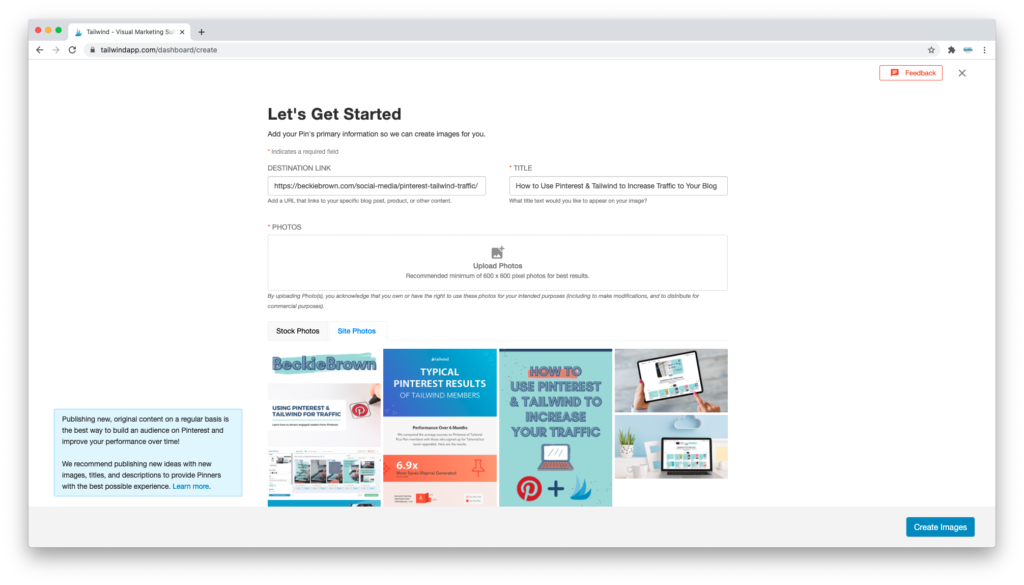
Pop your blog post link into the URL box; it will get the blog title and any photos from the blog post automagically. Click the magical Create Images button. Tailwind Create will present you with hundreds of pins, all different designs and layouts made with your logo, colour scheme, choice of images, and blog title, all ready to be loaded directly to Tailwind at the click of a button.
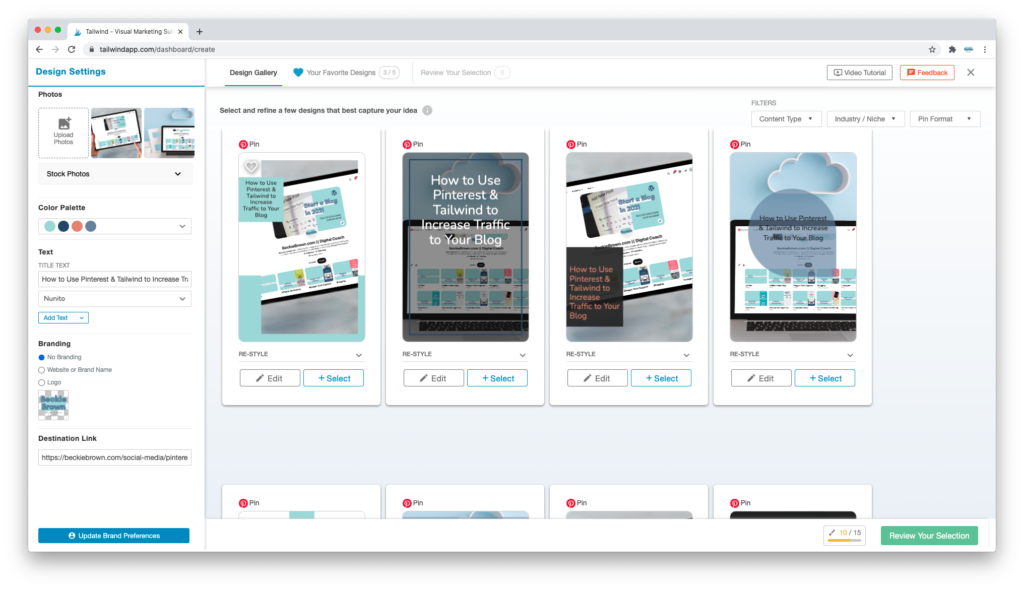
You can make edits to any individual pins to suit your needs, and it’s not recommended to use all these pins; that would be far too many for a single blog post. It’s the sheer speed of creation and the vast choice of designs that I love!
Start your FREE trial of Tailwind here. Your free trial will allow you to schedule 100 pins for FREE and is not time-limited!
Did this article help? Say Thanks with a Pin! ?
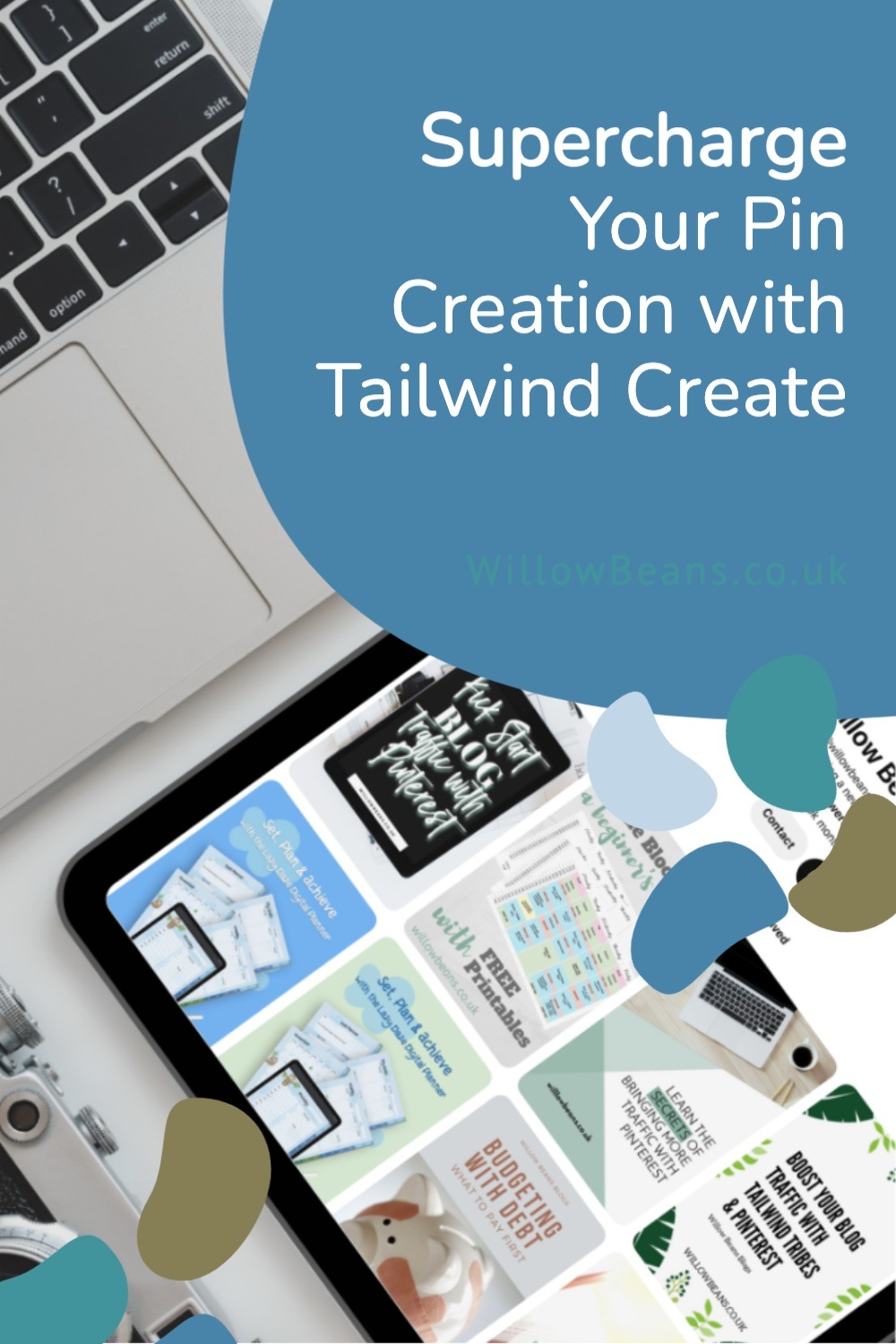
RELATED: How to Boost Site Traffic with Tailwind & Pinterest
This post was proofread by Grammarly. The World's Best Grammar Checker.

2 responses
I was wondering about Tailwind create, I should give it a try!
Sounds so useful and efficient for people with not much time on their hands. Great!